How to make Dime Dime Baby AI video in short: upload one clear, front-facing photo of one person to the generator, keep the Classic Trend template, tick the permission box and press Generate. Download the silent vertical clip, then add the official BbY WOW sound in the TikTok app and post it with the AI label on.
That's the whole process, and it answers the question viewers keep asking under the viral remakes: how it's made and which AI it is[1]. The rest of this guide is about getting a result that actually looks like you, because the stare at the end of the clip is where everybody looks.
Ready to try it with your own photo?
Open the Dime Dime Baby AI generator →What you need
- One photo. Yourself, or a friend who said yes.
- Credits. Each video uses credits from a plan or a one-time pack; the exact cost is shown before you confirm (more on that below).
- A phone with TikTok (or Instagram) for the music. No CapCut, green screen or editing app required.
The generator at a glance
The generator sits at the top of the home page and has two parts.
The example result panel
On a computer it's on the left; on a phone it's on top. Before you start, it plays a short, silent example made with the Classic Trend template so you can see what you're about to make. Once you generate, the same panel shows the progress and then your own video with a Download button.
The control card
Everything you touch is in one card: 1. Upload your photo, 2. Template (Classic Trend), the permission checkbox and the Generate my video button.
Step 1: Choose a photo the AI can work with
The generator builds every frame from your photo, so the photo matters more than anything else.
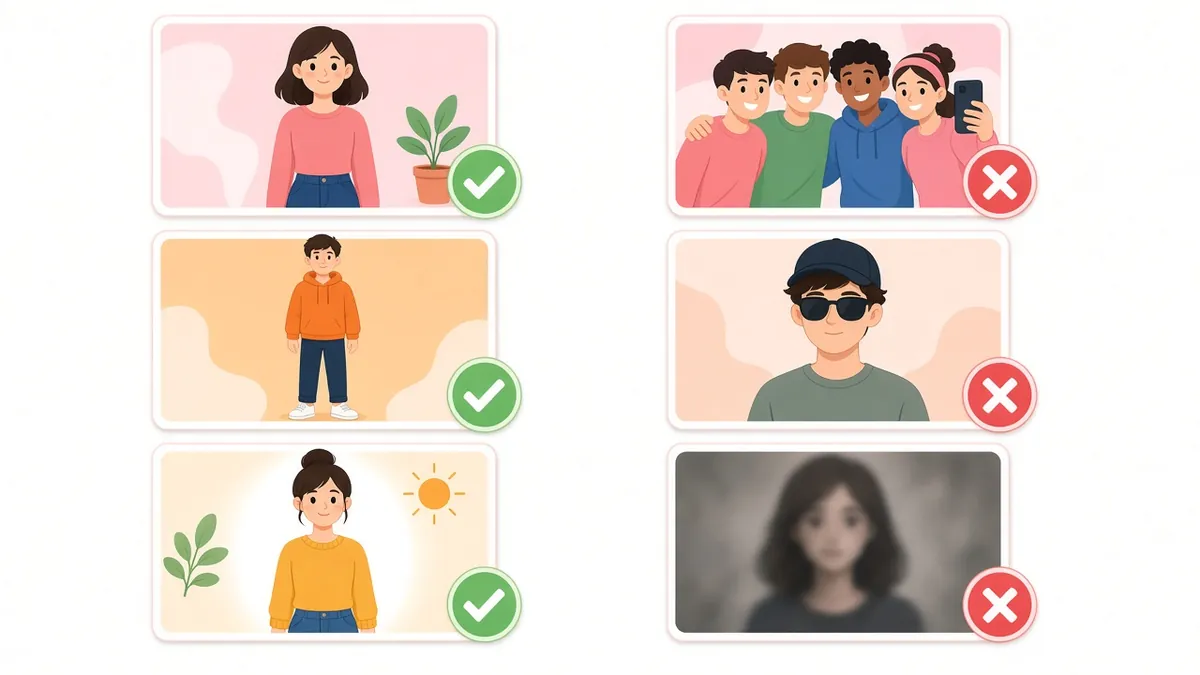
Photo checklist for a Dime Dime Baby AI video
| Use this | Skip this |
|---|---|
| One person in the frame | Group shots, or a friend's shoulder in the corner |
| Face toward the camera, eyes visible | Profile shots, sunglasses, a cap pulled low |
| Waist-up or full body | Extreme close-ups that cut off the chin or hair |
| Daylight or even indoor light | Dark party photos, strong backlight, heavy filters |
| Beard, glasses or tattoos clearly visible if you want them kept | Details hidden under clothes or hair |
No good photo yet?
Stand facing a window, hold the phone at eye level and keep a neutral face. That neutral face is what turns into the stare.
Step 2: Upload your photo and keep Classic Trend
Upload the photo
In the control card, drop your photo on 1. Upload your photo or tap it to choose one (JPG, PNG or WEBP). A thumbnail and a green “Photo looks good” message confirm it was accepted; Remove photo lets you swap it.
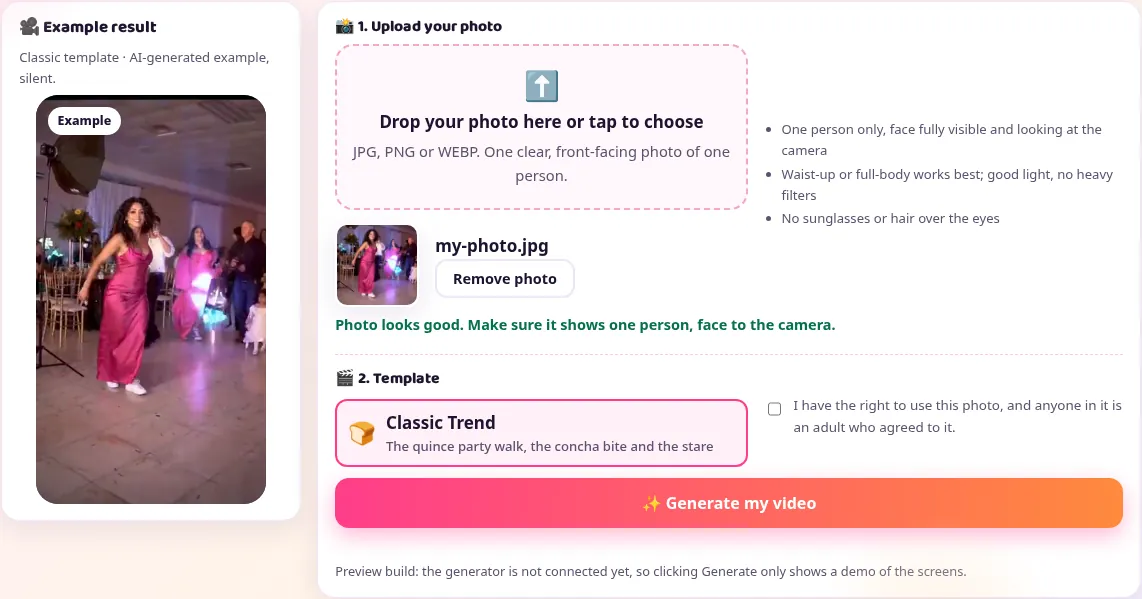
The Classic Trend template
Under 2. Template, Classic Trend is already selected. It keeps the quinceañera party feel of the original meme: the walk in, the bite of concha and the stare. There's nothing to set up.
Tick the permission box
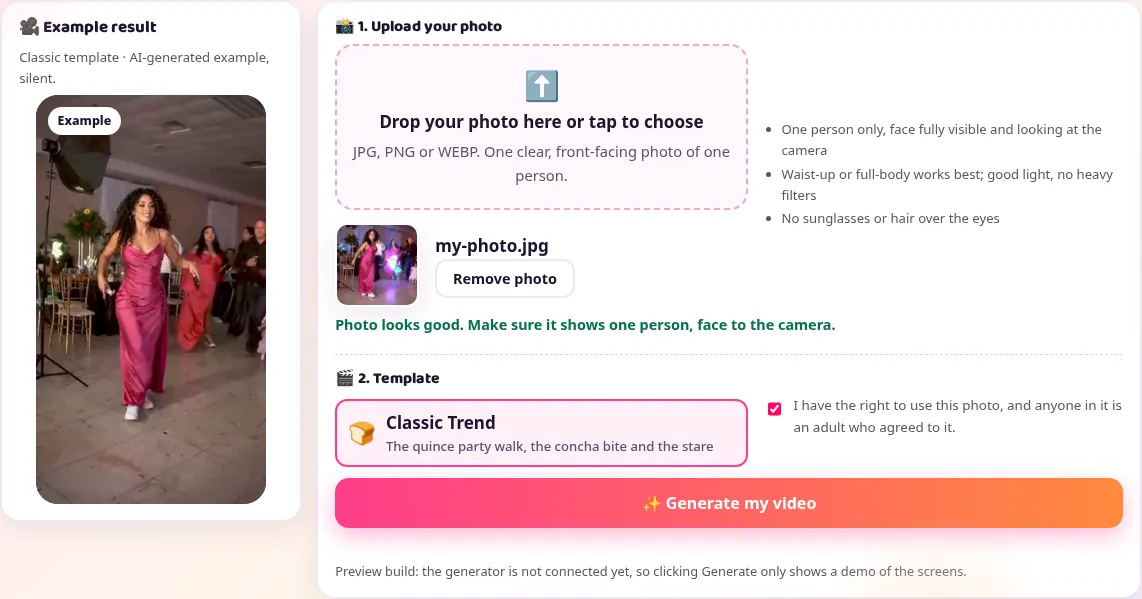
Confirm that you have the right to use the photo and that anyone in it is an adult who agreed. The generator won't start without it.
Step 3: Generate and review your Dime Dime Baby AI clip
While it generates
Press Generate my video. The panel that showed the example switches to a status line and a progress bar. Keep the tab open until it says your clip is ready.
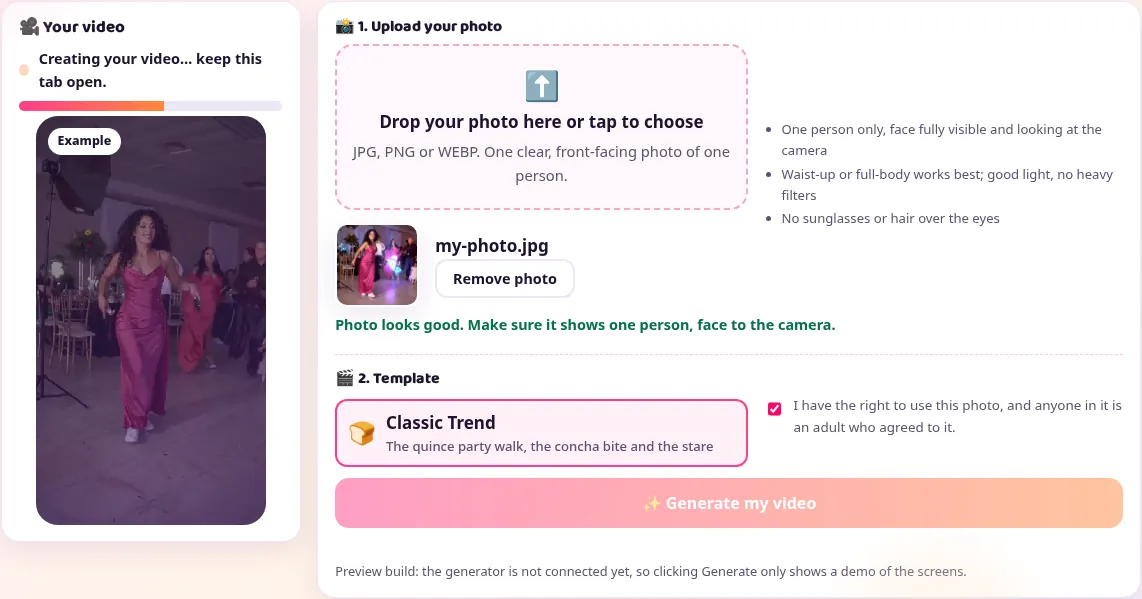
Check the walk, the bite and the stare
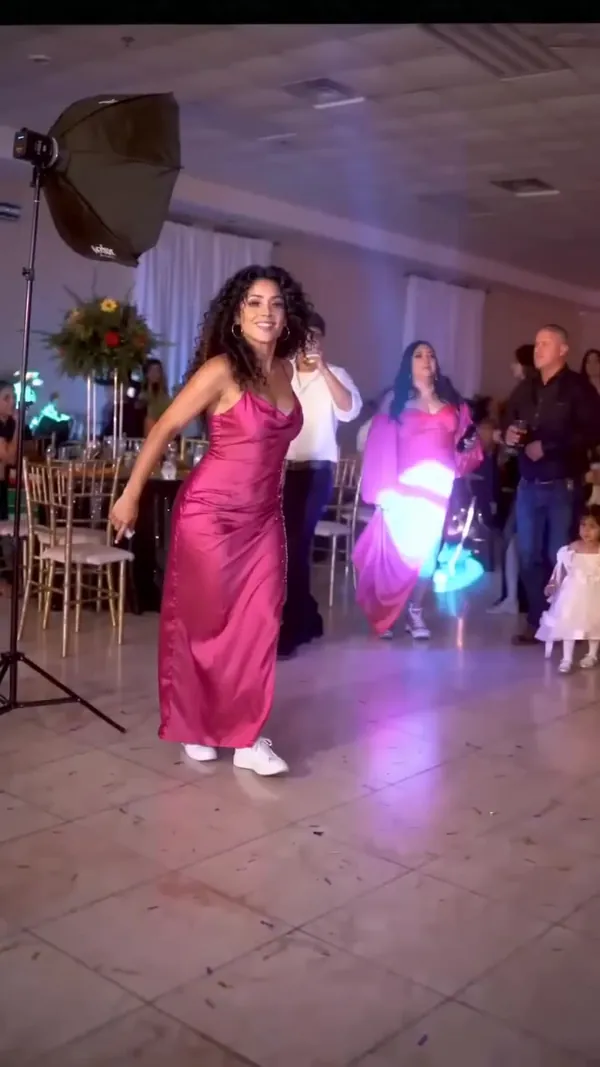
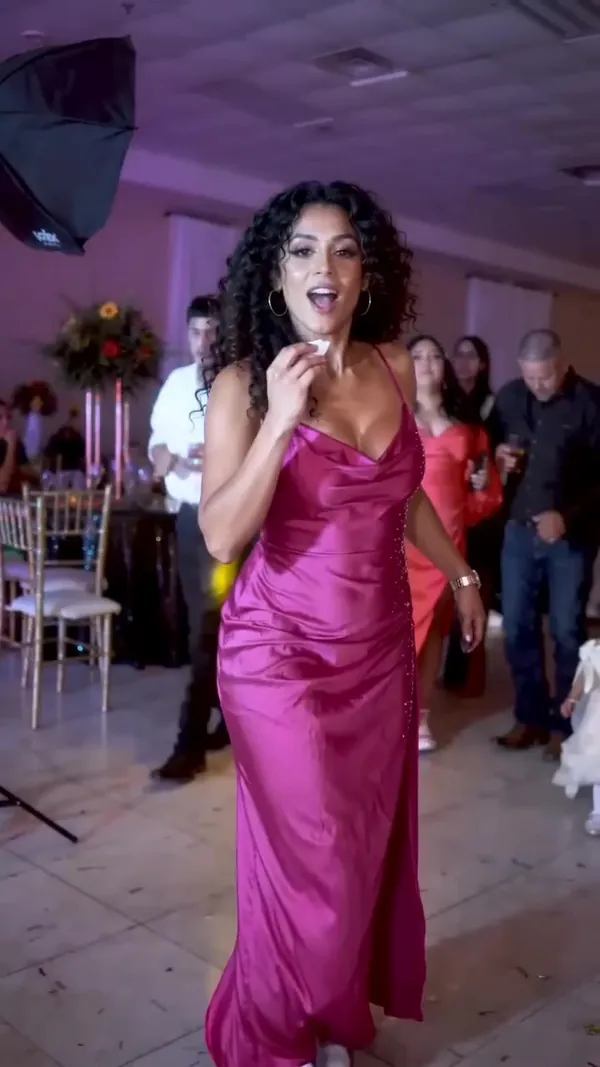
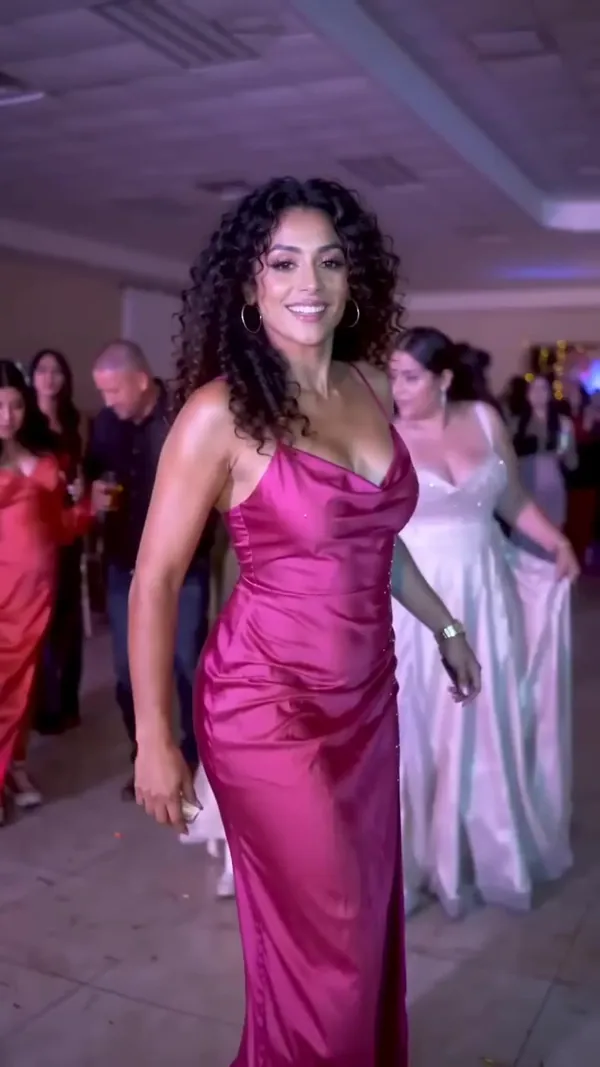
When it's done, your video plays in the left panel. Watch it full screen and check three moments: the walk toward the camera, the bite of the concha and the final stare. If the face drifts or the hands look odd, try a sharper photo rather than posting a weak take.
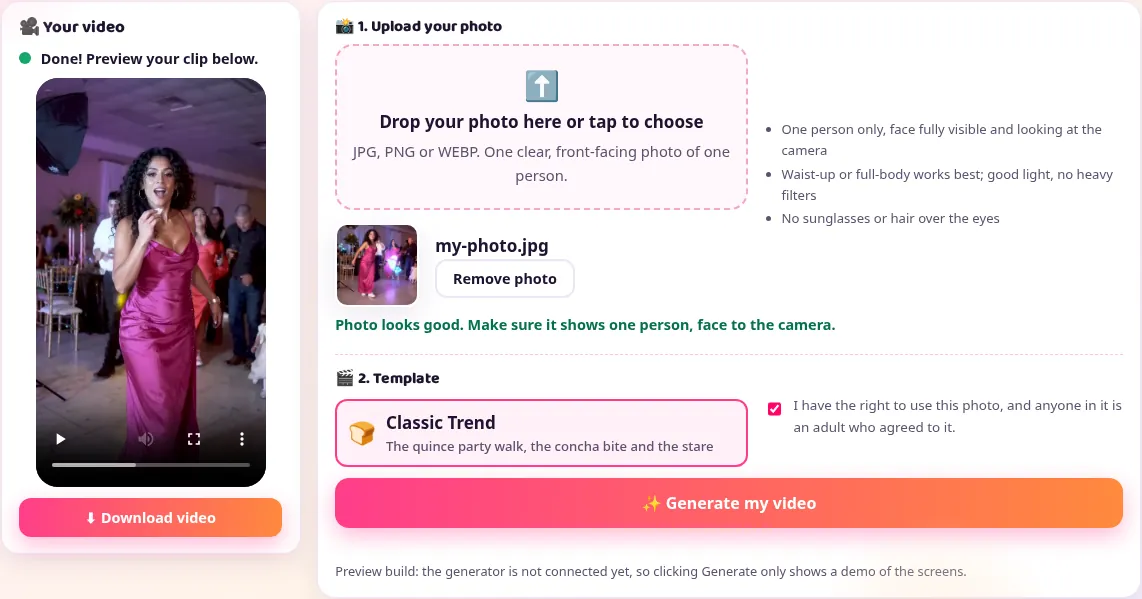
Download the vertical MP4
Press Download video. You get a vertical 9:16 MP4 with no song in it, ready for TikTok, Reels or Shorts.
What the result looks like
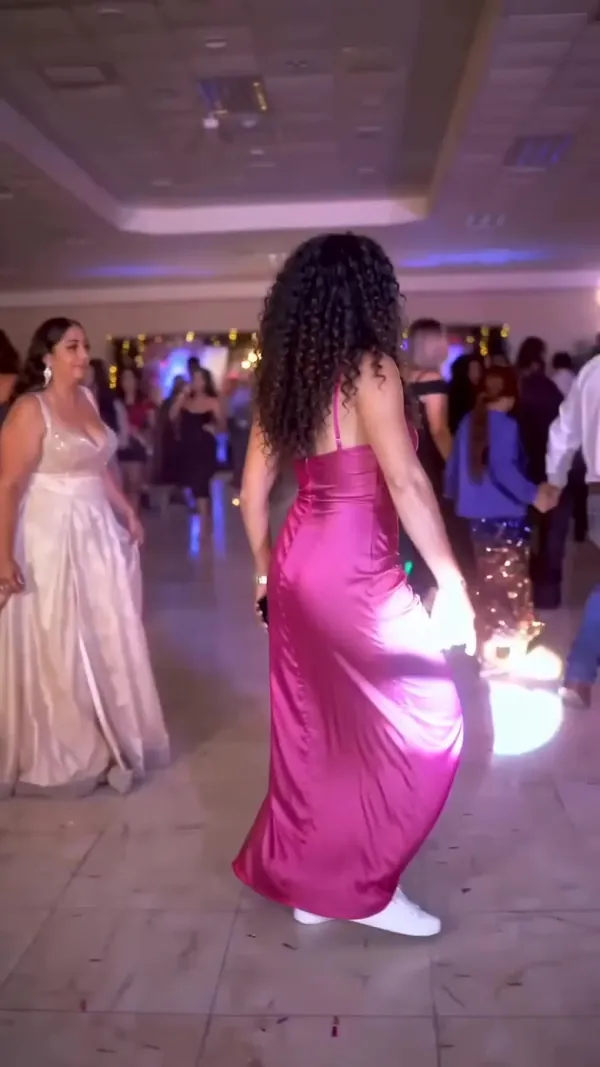
Step 4: Add the official BbY WOW sound in TikTok
Adding the sound, step by step
- Open TikTok, tap + and choose the clip from your gallery.
- Open the sound picker (Add sound), type BbY WOW and select the official track[2].
- Trim or move the sound so the stare lands on the part of the track you like.
- Switch on TikTok's AI-generated content label, then post[3].
Why use the official sound
Never download or rip the song. Using the official sound links your video to the sound page, which is where people browse the trend.
What it costs
Videos are paid with credits from a monthly or yearly plan or a one-time credit pack (see pricing). The exact cost is shown before you confirm, so there are no surprises. There is no free trial, and if a video fails, its credits go back to your balance.
Fixing a result that looks off
The face doesn't look like you
Usually a blurry, dark or angled photo. Use a sharp, front-facing photo taken in daylight.
A beard or tattoo is missing
The AI can only keep what it can see. Choose a photo where it's clearly shown.
The hands look strange
Hands cut off in the photo have to be guessed. Use a waist-up photo with your hands in view.
Someone else's face appears
There were two people in the photo. Crop it down to one person and generate again.
AI version or filming it yourself?
You can also do the trend the old way: film yourself and drop the green-screen template[4] over it in an editing app. That works, but you have to perform the walk and the stare on camera. The AI route skips filming completely; you only need the photo. Pick whichever fits you.
Making one for someone else
A lot of people in the comments ask strangers to make one for them. You don't need to send your photo to anyone: make it here and share the file. If you make one for a friend, ask first, use only photos of adults who agreed, and don't use the effect to fake what a real person did.
Ready to try it with your own photo?
Open the Dime Dime Baby AI generator →More questions
How long does it take to make a Dime Dime Baby AI video?
Preparing the photo takes a couple of minutes. The generator shows its progress while it works; keep the page open until your clip is ready.
Do I need to download the song?
No. Never download or rip the song. Post your clip on TikTok and attach the official BbY WOW sound from TikTok's sound library.
Can I use a photo with two people?
Crop it down to one person first. The scene has one dancer, and a second face confuses the AI.
Should I label it as AI?
Yes. Turn on TikTok's AI-generated content label when you post. It keeps your post within the platform rules and viewers in this trend expect it anyway.
Sources
- “Dime dime baby” AI remake (labelled as AI-generated on TikTok). TikTok, @elmariobrox. Accessed Oct 21, 2026.
- Official BbY WOW audio listing (release date 2026-08-07). YouTube, provided by Universal Music Group. Accessed Oct 21, 2026.
- About AI-generated content. TikTok Help Center. Accessed Oct 21, 2026.
- “Bby wow guy dance trend template or dime dime baby Green Screen Meme Template”. TikTok, @greenscreenmemes.com. Accessed Oct 21, 2026.